Tank Game
🚧 Tank Game Playtest
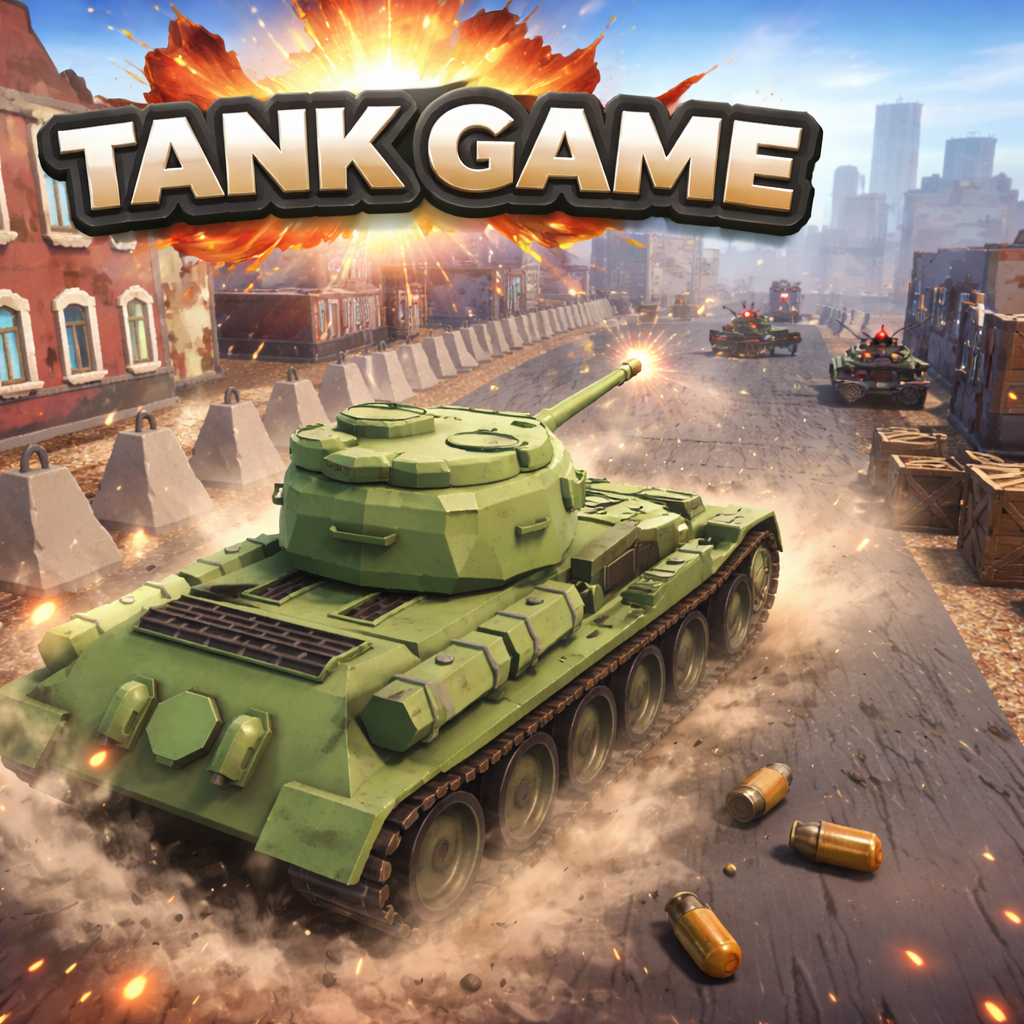
Welcome to the playtest build for my in-progress tank game! This is a school project where I’m learning Unity by building a small-but-polished combat sandbox with punchy movement, snappy aiming, and satisfying hits.
🎮 What It Is
A focused tank combat prototype: drive, aim, shoot, explode, repeat. Expect quick matches, simple goals, and a lot of iteration as I test mechanics and improve game feel.
✨ What I’m Testing Right Now
- Movement + turning feel (acceleration, traction, drift)
- Turret aiming and firing responsiveness
- Projectile behavior (speed, lifetime, collision, bounce/explosion)
- Health/damage feedback (VFX, screenshake, hit markers, audio timing)
- DualSense Implementation (Adaptive Triggers, LED Color Change, Haptics)
🕹️ Controls | Keyboard
- Move: WASD
- Fire: Left Click
- Close: Esc
🎮 Controls | Controller
- Move: Left Stick
- Fire: Right Trigger
- Close: Esc
Note: If the build you downloaded includes different controls, I’ll list them in the update notes.
🧪 Feedback I’d Love
- Does driving the tank feel good, or too slippery / too stiff?
- Does aiming feel accurate and responsive?
- Are hits satisfying? (impact, sound, VFX, knockback)
- Any bugs, weird physics, or performance issues?
- Anything that felt confusing or unclear?
🐛 Reporting Bugs
If you find a bug, it helps a ton if you include:
- What you were doing when it happened
- What you expected to happen vs what happened
- Your platform (Windows/Mac/Linux) + any controller used
- A screenshot or short clip (optional but amazing)
📌 Status
This is an early playtest build. Things may be unbalanced, unfinished, or occasionally explode for the wrong reasons. Updates will roll out as I iterate through school milestones.
Thanks for playing — and for helping me make it better.
Download
Install instructions
⬇️ Download & Install (Windows)
📦 Step 1 — Download
- Download Tank_Game_Playtest_0.1.0.zip
- Save it to your Downloads folder or Desktop
🗂️ Step 2 — Extract the ZIP
You must extract the ZIP before running the game.
- Right-click the ZIP file
- Click Extract All…
- Click Extract
🎮 Step 3 — Run the Game
- Open the extracted folder
- Find Unity-Learn.exe (name may vary slightly)
- Double-click the file to launch the game
⚠️ Windows Security Message
If Windows shows a SmartScreen warning:
- Click More Info
- Click Run Anyway
🛠️ Troubleshooting
- Do not run the game from inside the ZIP file
- Keep all extracted files in the same folder
- Try re-extracting if the game does not start
- Make sure your antivirus didn’t quarantine files
Thanks for playtesting! 🚧
Leave a comment
Log in with itch.io to leave a comment.